Reviews
3D Flight Simulator is an excellent online game for anyone interested in flying. The controls are detailed yet easy to learn, and the variety of aircraft and airports keeps the experience fresh. It's a great way to improve cognitive skills while having fun.
About this game
Game Introduction:
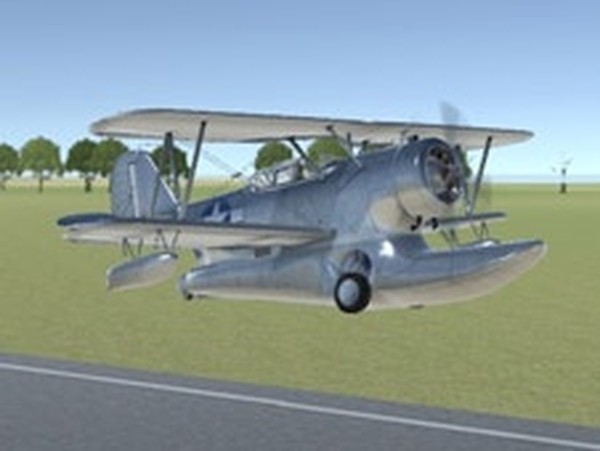
3D Flight Simulator is an immersive online game that lets you experience the thrill of flying a real airplane. Start by selecting your preferred simulation type, then choose from a variety of aircraft and airports. Whether you want a short local flight or a long journey, this game offers a realistic flying experience. The controls are detailed and intuitive, including aileron, elevator, rudder, throttle, flaps, engine start, landing gear, and collective pitch. This game not only entertains but also improves cognition, coordination, and focus, making it a great choice for players of all ages.
How to Play:
To begin, choose your simulation type, airplane, airport, and flight length. Start the engine by holding the E key, then press 0 to throttle up. Use the arrow keys to fly: the right arrow controls aileron, the up arrow controls elevator, and the Z and X keys control the rudder. Adjust throttle with 0 and 9, flaps with W and Q, and landing gear with G. For helicopters, use W and S for collective pitch. Follow these steps to take off and enjoy your flight.
Game Features:
Realistic airplane controls, multiple aircraft and airport choices, and cognitive benefits.
Game Conclusion:
3D Flight Simulator offers a fun and educational flying experience. With detailed controls and various options, it helps improve coordination and focus. Fly safely and enjoy the skies!